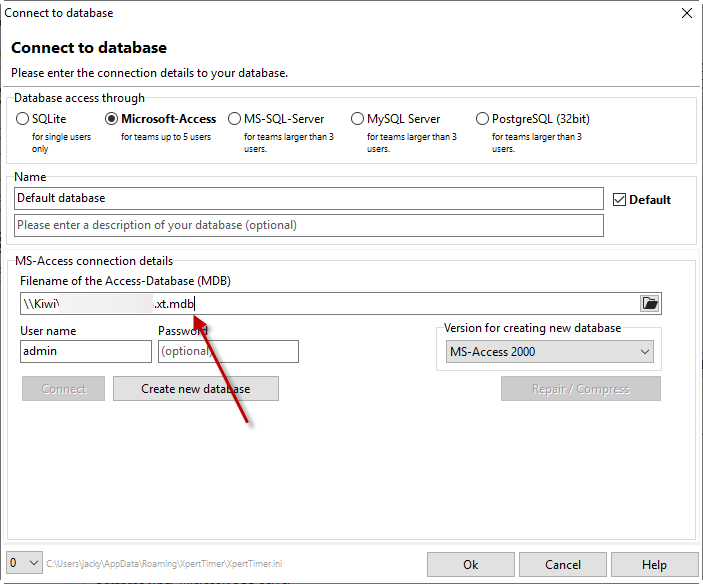
We recommend the Access database for up to five users in the network. If additional employees are connected to the system, you should switch to MariaDB. The free MS-SQL Express version of Microsoft's SQL Server is also sufficient for Xpert-Timer.
No Office package is required for the Access database drivers.
If you want to move the database to another location, you must specify this in the dialog box below. To do this, enter the path to the database in the input field and press the "Connect" button. If the connection worked, press the "Save" button to save the settings in your .ini file.
The Xpert-Timer database is saved under the name "xt.mdb" in the program directory in the "Database" folder, under "Users\AppData\Roaming\XpertTimer". However, this path may vary depending on your access rights. To find your database file, click on the menu item "Help" -> "About Xpert-Timer" -> "System Info" in Xpert-Timer. There you will find the path to your Access database.