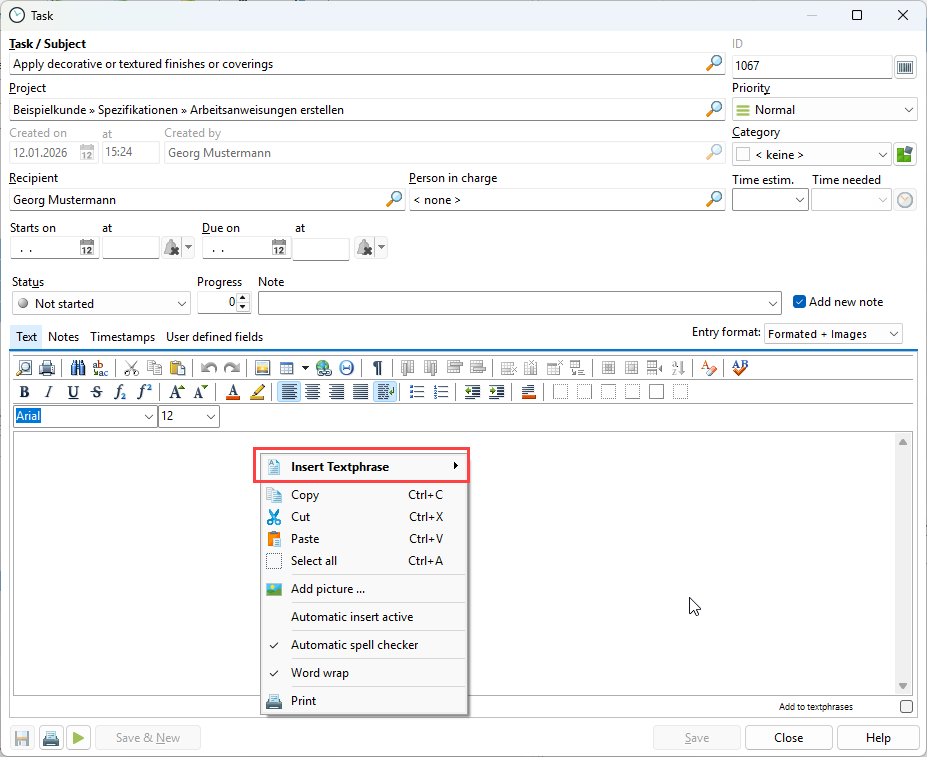
In the task properties, you can describe your task in detail in the "Text" tab and insert an image or username.
Right-clicking in the text area gives you additional options and allows you to insert a text module that was previously defined in the configuration.