Would you like to store information about tasks for your employees? Then you can use the note function in the task dialog. Not only are status changes to the task recorded there, but you can also maintain the notes yourself. If, for example, a task is rejected, you can note the reason for the rejection here so that your colleague receives the information for further processing.
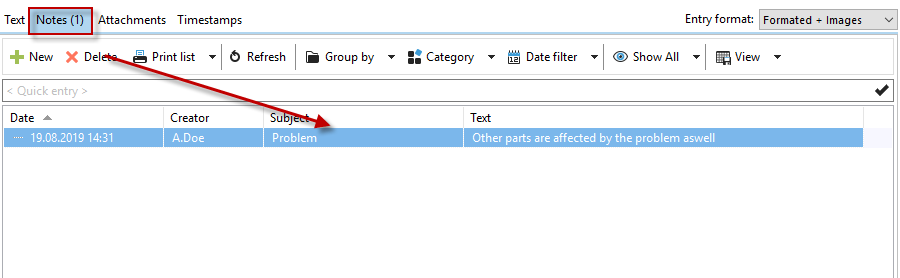
You can display notes on tasks in your timeline.

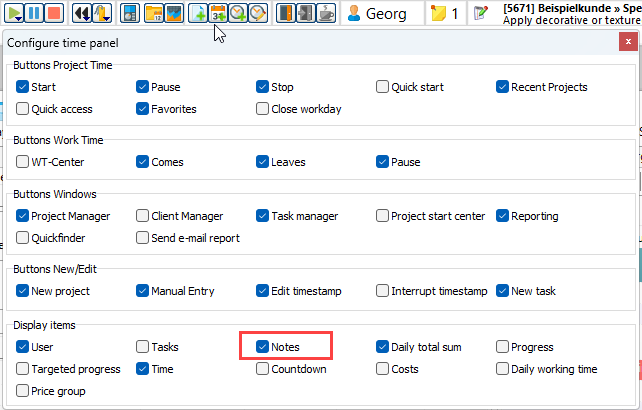
Right-click on one of the buttons to open the configuration. Then display the "Notes" area.