An installation agent is available for installing the Xpert-Timer XTSyncServer.
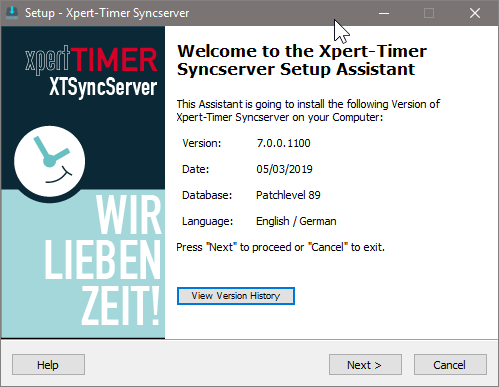
This dialog shows you which version you will install on your computer. From here, you can also view the new features of the version. To do this, click on the "Show version history" button.
The setup is divided into the following steps:
Select installation destination path
Select the directory where you want to save the XTSyncServer. The SyncServer service must be run on a server that is always running or on a computer that is always accessible from the outside, i.e., not on a network drive.

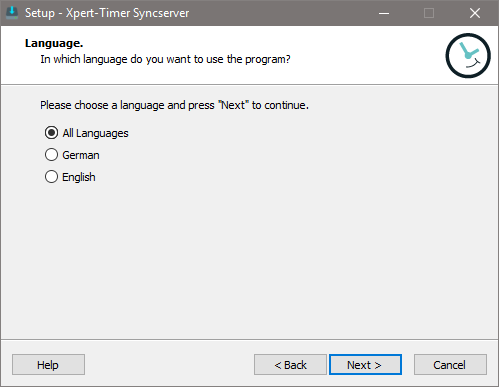
Xpert-Timer is available in German and English.
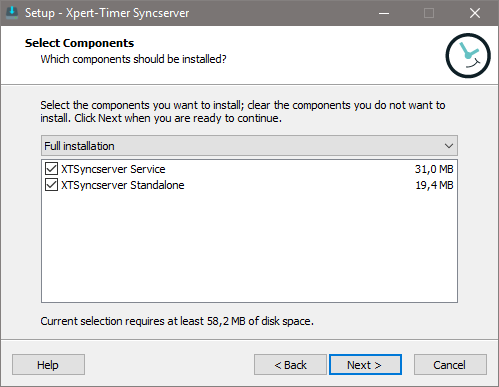
In this step, you select which components you want to install. By default, this is the XTSyncServer service. You should only select the XTSyncServer desktop version if you encounter problems during debugging or if you are using the single-user version.
Downloading additional components
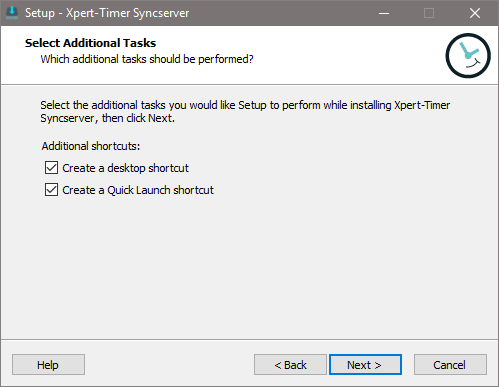
In this dialog, you can automatically create a desktop icon. This allows you to quickly access your XTSyncServer. The quick launch bar is located next to the Windows Start button. Here, too, you can create an icon to quickly access the XTSyncServer.
Performing the installation

Click Install to complete the XTSyncServer installation.
