There are three different ways to access the "Customer data" dialog: Double-click on a customer, right-click on a customer and select "Edit" from the context menu (Fig. 1), or click the "Edit" button in customer management (Fig. 2).
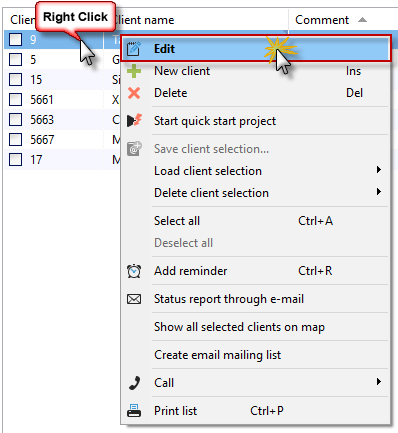
(Fig. 1)
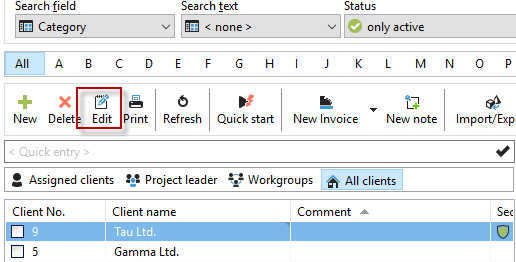
(Fig. 2)
"Customer" dialog
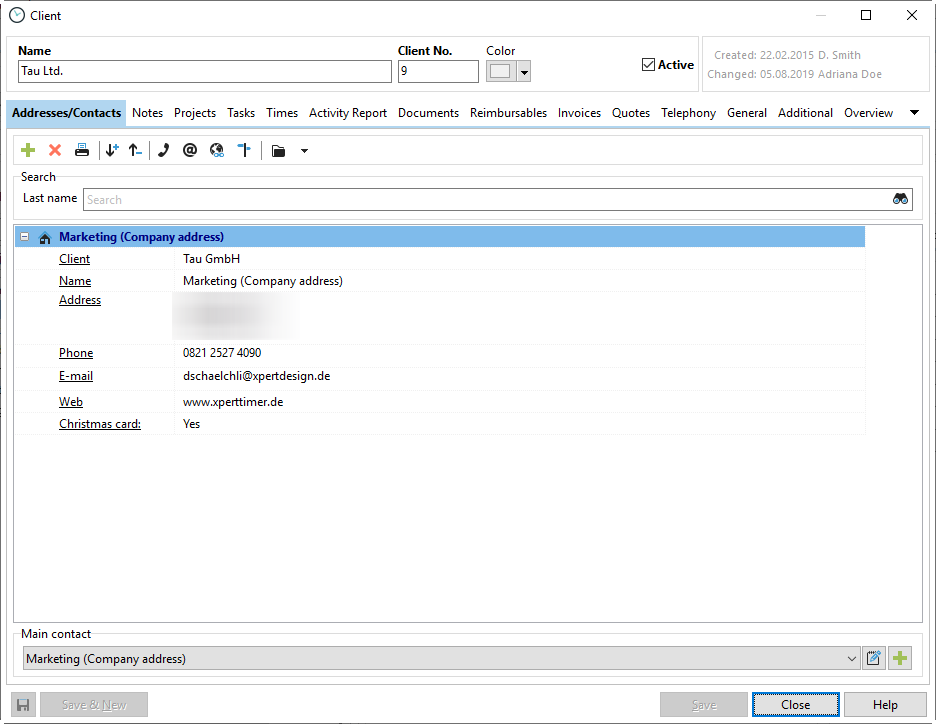
The following chapters introduce the individual tabs in "Customer Data":