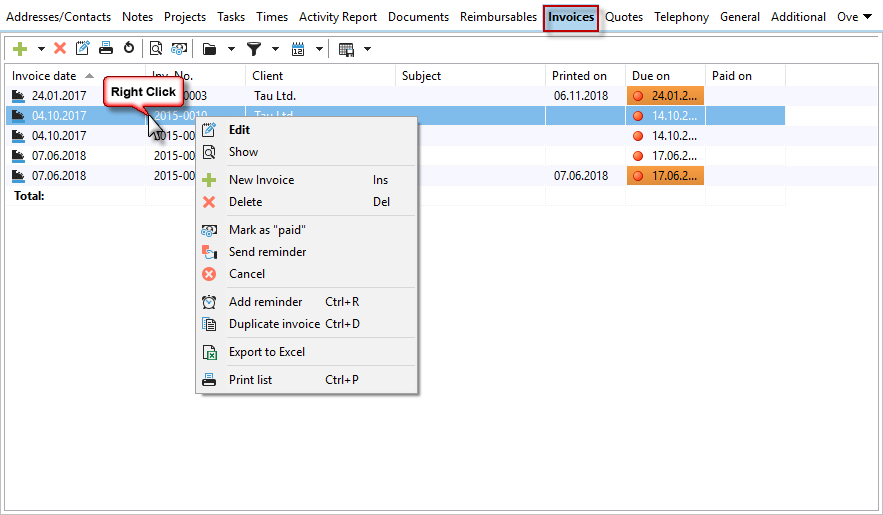
Here you can see a list of the invoices you have created. You can edit the invoices retrospectively by double-clicking on the respective line. Please note the print date. If the invoice has already been printed, no further changes should be made. To mark an invoice as "paid," right-click on the corresponding invoice.

Here, too, you have the usual filter and grouping options at your disposal, which you can save at any time.
Additional functions are available in the context menu, i.e., by right-clicking on the invoice line.
For more details on invoices, see the chapter "Invoice Management."