In the "General" tab, you will find further information about your customer. The user-defined fields, keywords/search terms, and customer categories are used to filter customers in the customer manager.
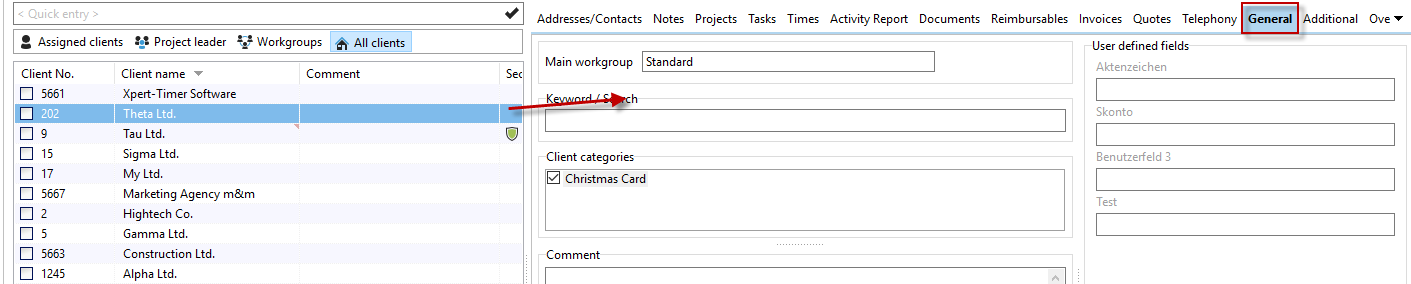
You can edit the information by double-clicking on the customer. If you hover your mouse over the customer name in the Project Manager, you will see the comment you entered here. All new categories created here apply to all customers.
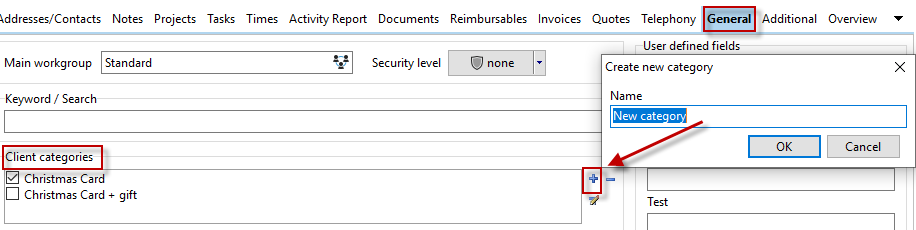
Assign new user-defined fields by right-clicking. Select "Rename" to name the fields as you wish.
