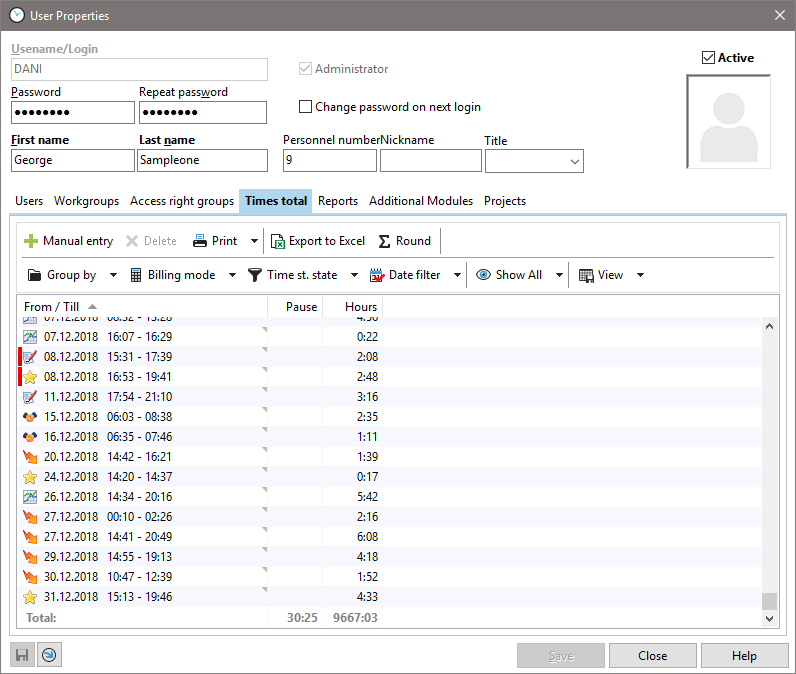
The "Recorded times" tab gives you an overview of how many hours the employee has worked per month or in the selected date filter. You can also use this evaluation as a come/go overview. This is based on the working hours per day stored for the employee. Please note that the total of the time stamps is calculated. You can also print this report by right-clicking on it. Several filter options are also available. You can print any view.