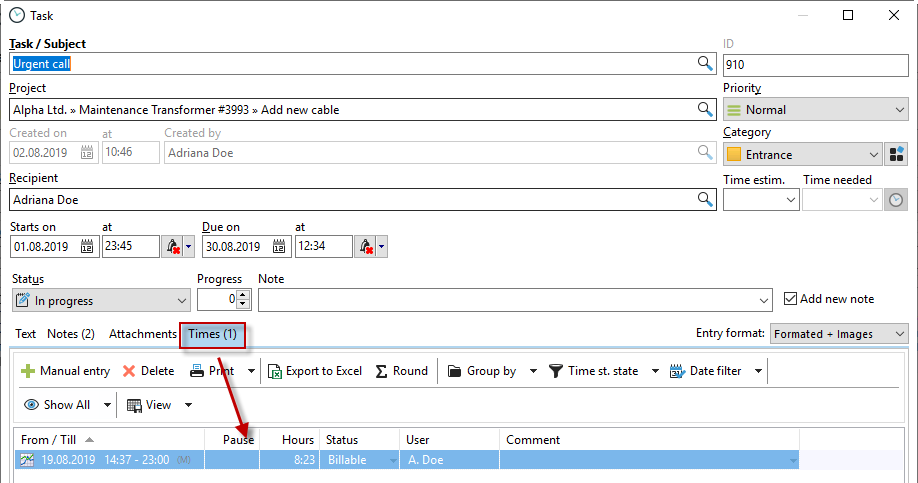
You can book working time directly to tasks. The task is linked to a project so that the time is booked to the project.
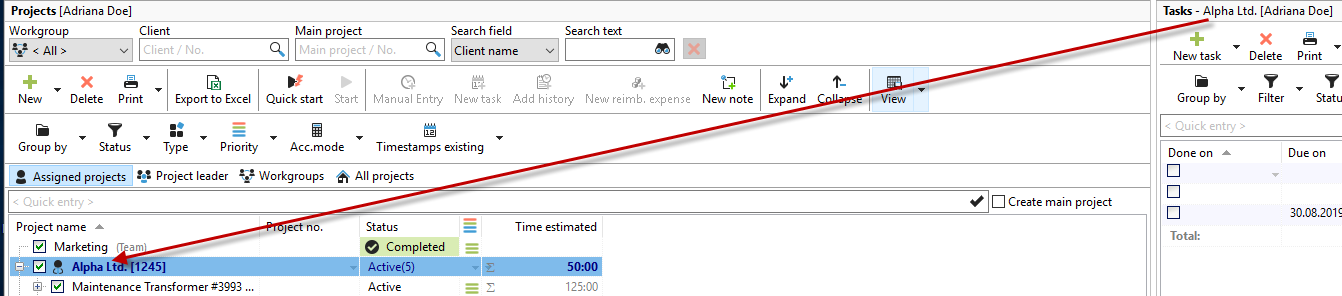
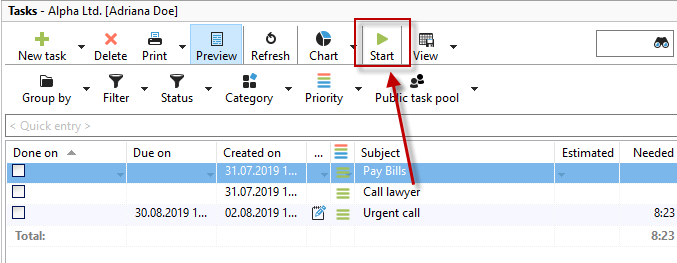
To record the time for the task, press the green "Play" button in your task list, or use the drop-down function to start the task retroactively or enter a comment on the started task directly.
The task and the corresponding timestamp appear in your timestamp list. To display the "Tasks" column, right-click on a column header.
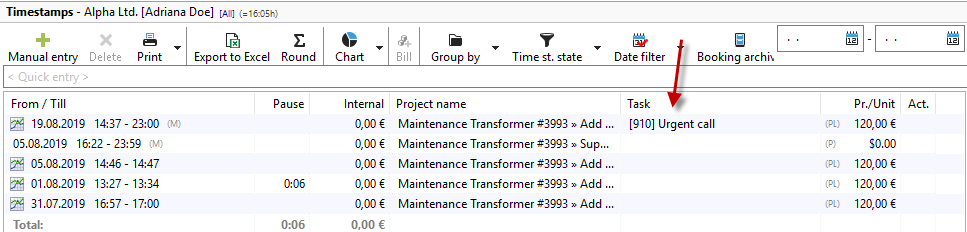
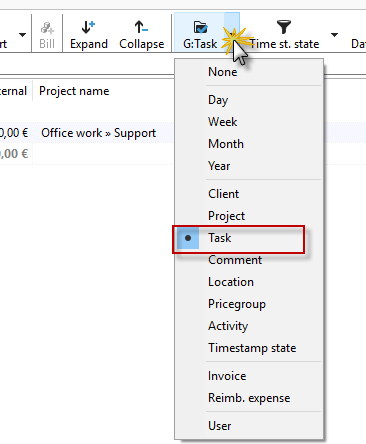
To evaluate the task and the recorded times, it is useful to group by "Task" in the timestamp list.
You can also view the recorded times for the task in the task properties. To do this, switch to the "Times" tab. Here, too, the familiar filter and grouping options are available.