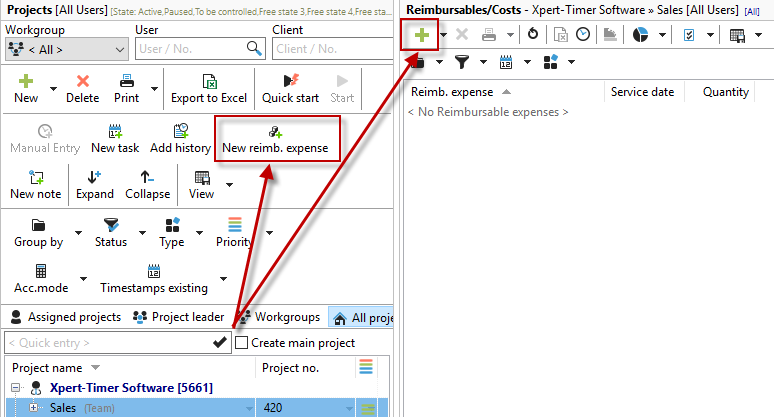
In the Project Manager, use the mouse to select the project for which you want to enter the reimbursable. If you have displayed your reimbursables in a separate window, you can also create a new reimbursable there:
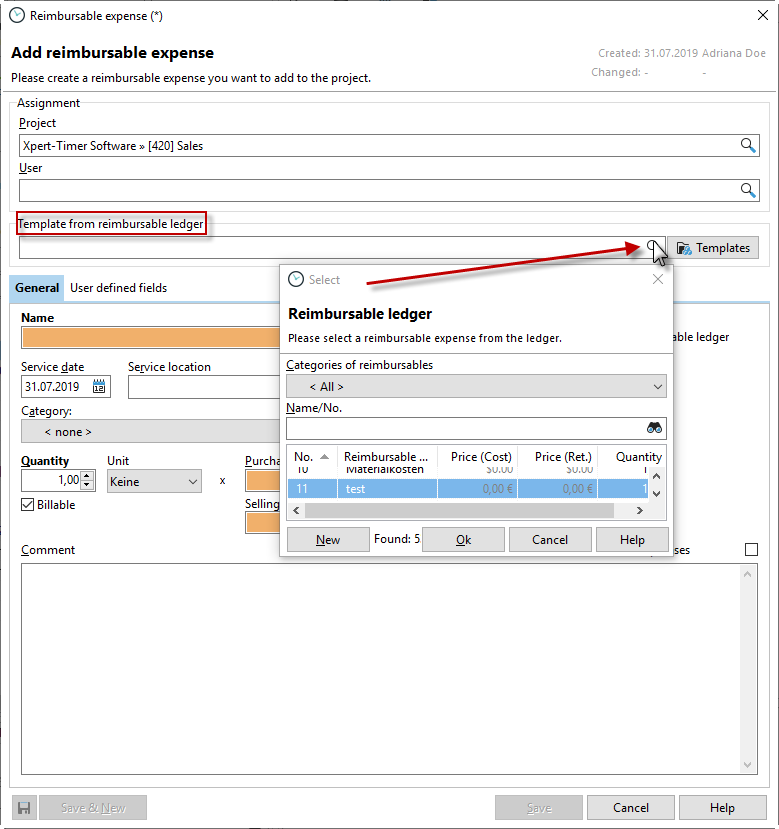
A dialog box will open for you to enter all the details of your reimbursables. Xpert-Timer comes with a number of standard templates; you can find the selection in the reimbursables ledger.
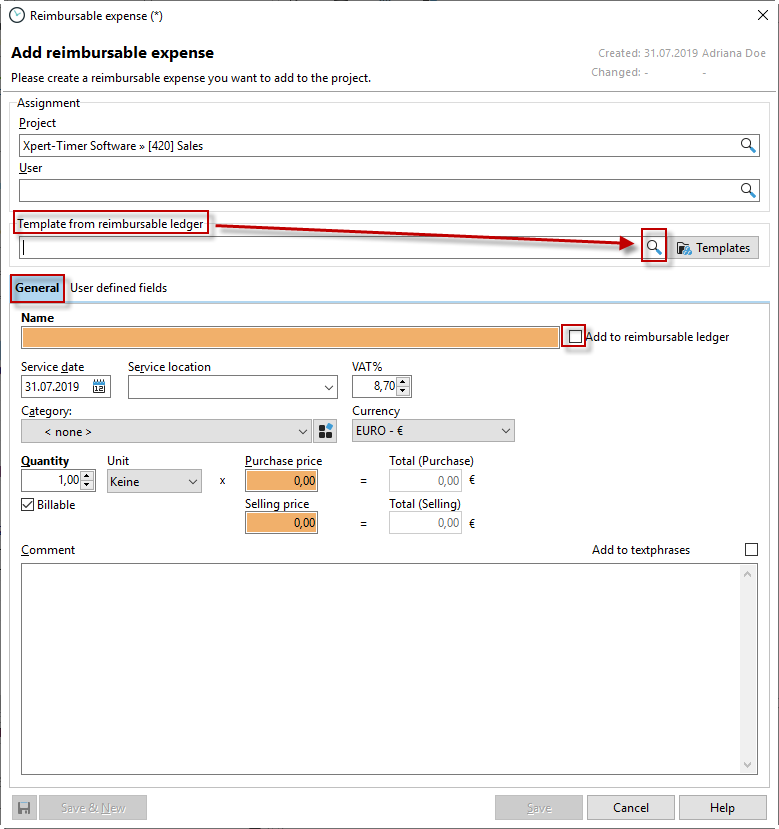
Under the "General" tab, you can also give the service to be entered an individual name, which you can add to the service catalog if you wish. You can then also display the name on the invoice.
You can also assign new user-defined fields by right-clicking. Select "Rename" to name the fields as you wish.

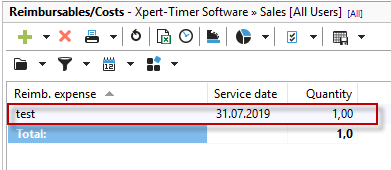
Once you have entered all the necessary data in the "Enter service" dialog box, click on "Save" and your service will appear in your service overview for the corresponding project:
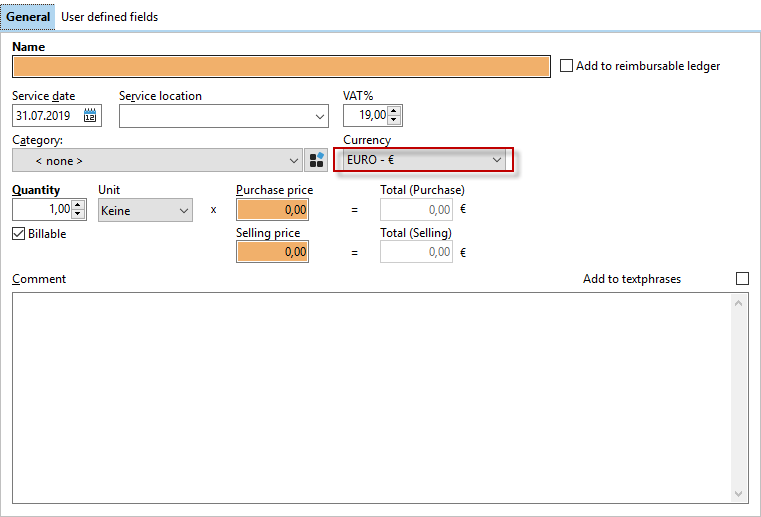
Different currencies
You can record your service in a currency other than your local currency. Please note, however, that it does not make sense to add up services with different currencies.