To display the documents assigned to your projects in the Project Manager, you can show or hide the document area via the menu item "View" -> "Documents on/off."
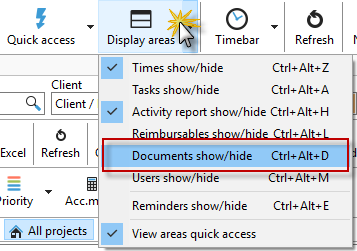
This will display an additional area in your Project Manager. This makes it easier for you to access the documents for your projects.

You can assign documents to a project by dragging and dropping them into this area. For more details on document management, please refer to the chapter "Document Management."