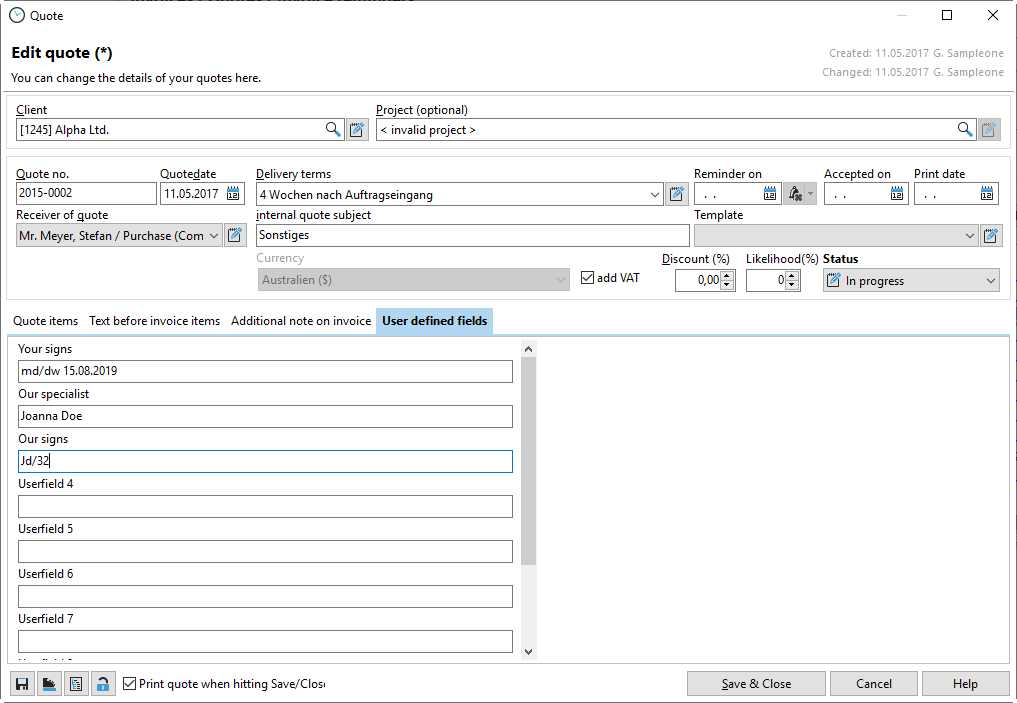
When creating a quote, you can create custom fields that will then be available in your quote template. Please note that your custom quote template will not automatically be populated with the new fields. You must integrate these fields yourself in the database query and also in your report. Instructions on how to customize the invoice template can be found here. You can also customize the XT_QUOTE quote template in this way. You cannot simply save the invoice template as XT_QUOTE because the database fields are different. You must therefore customize both templates accordingly.
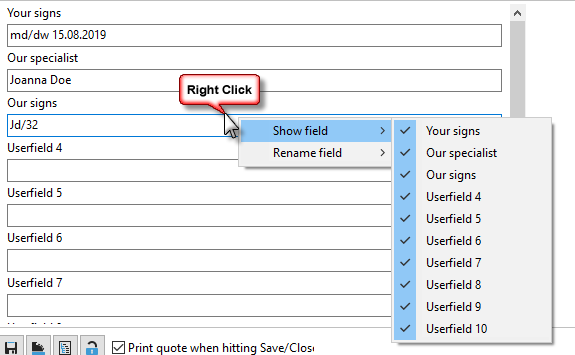
In the next step, right-click on the heading of a user-defined field and then select "Rename" or "Display." Here you can show or rename user-defined fields.