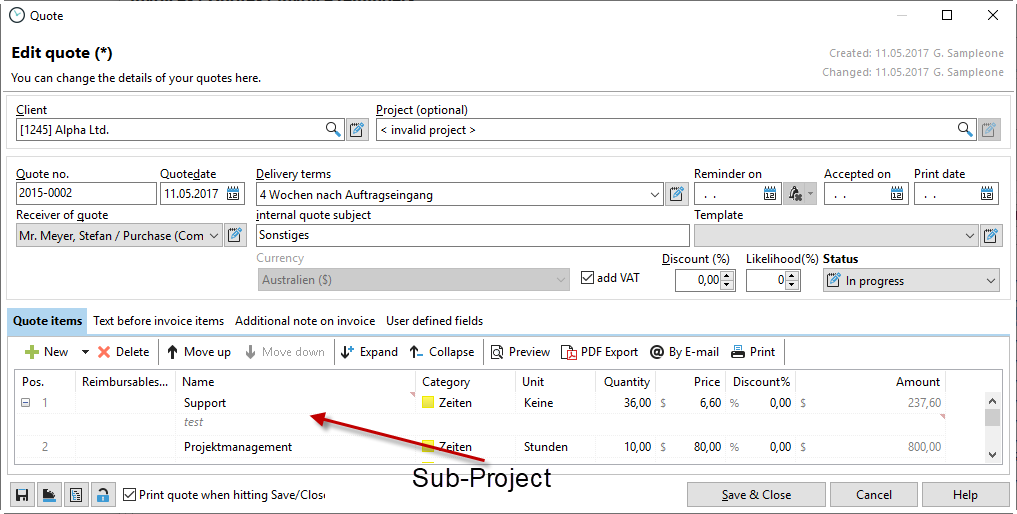
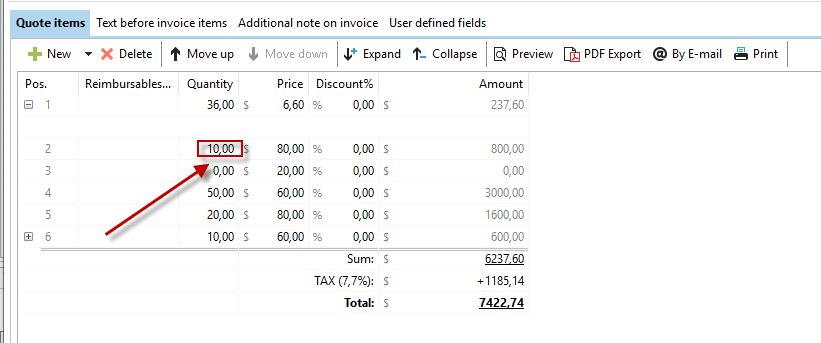
You can customize all items in your quote individually in the "Quote items" tab. You can rewrite each line as you wish. Simply click with the mouse in the corresponding field.
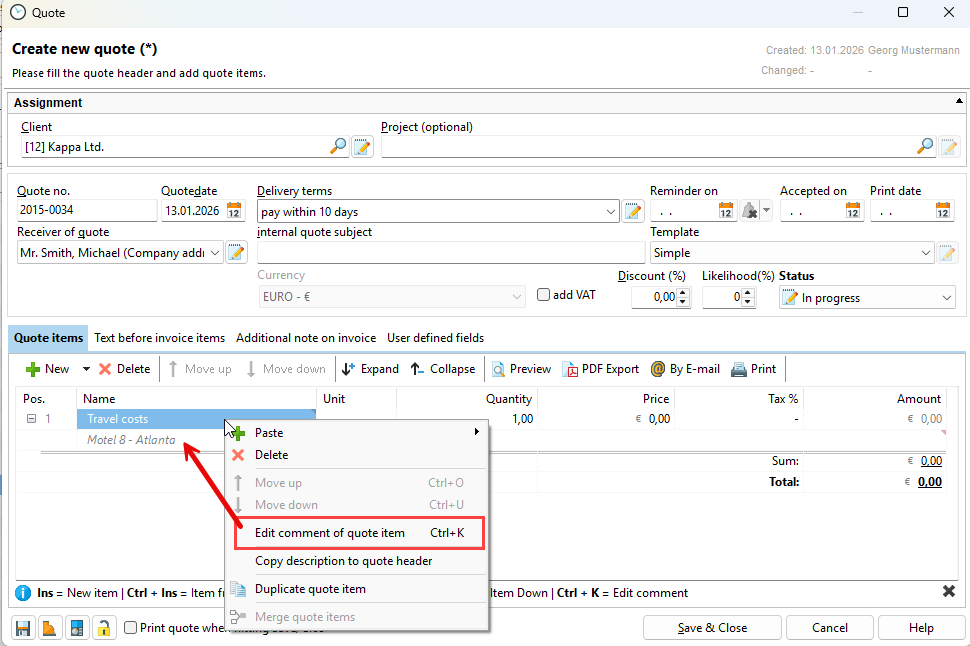
Right-click on a quote item to insert or change the comment.
You can conveniently send the quote directly to your customer using the "By email" button.

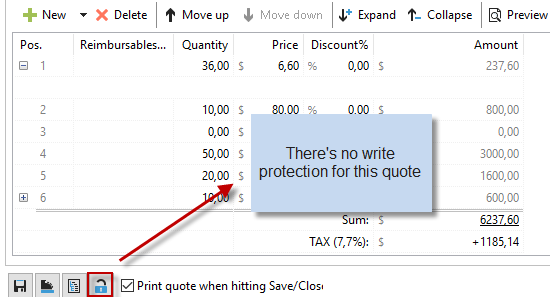
Once you have saved the quote, it is locked by the system and becomes read-only. You must remove this read-only protection in order to make changes to the quote. To do this, you must have the right to edit quotes in the Xpert-Timer system:
You can temporarily save the quote, for example, to display the preview. To do this, click on the diskette icon.
If you want to generate an invoice from the quote, you can use the button with the cash register. This will convert your quote into an invoice.
If you want to create a project structure from the individual items in your quote, click on the button with the structure:
