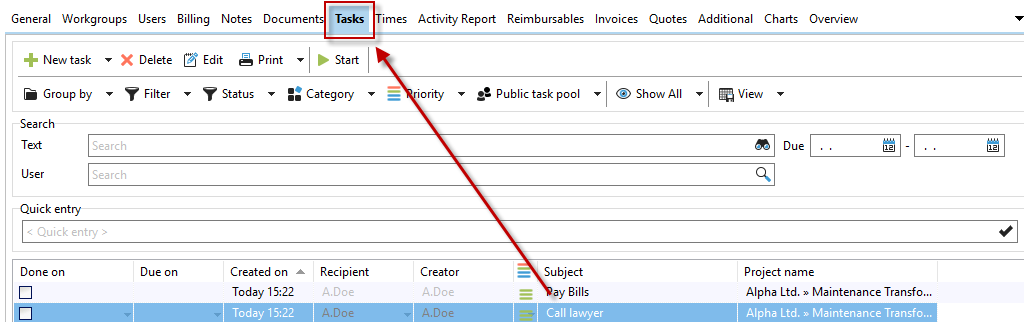
Under the "Tasks" tab, you can see the open tasks for the respective project. You can sort these by the respective headings. To do this, simply click on the heading with the mouse. A wide variety of filter functions are also available for your tasks.
Right-click or click on to add tasks or to delete
 tasks.