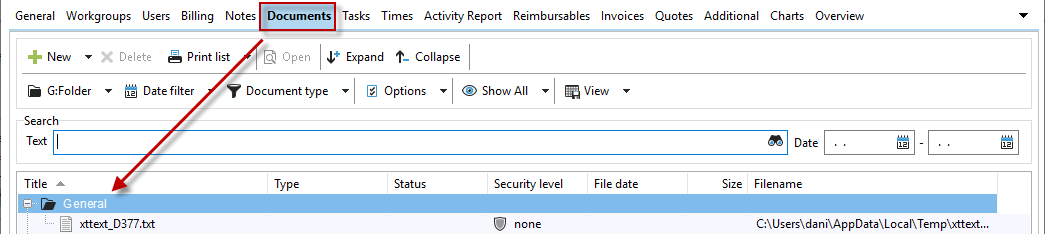
In the "Documents" tab, you can see an overview of all documents assigned to the project or customer. Here, you can also create new documents, group them, filter them, and save views. For detailed instructions on creating new documents, please refer to the "Document Management" chapter.
In this view, you can also simply drag and drop a document onto the dialog box to add it.