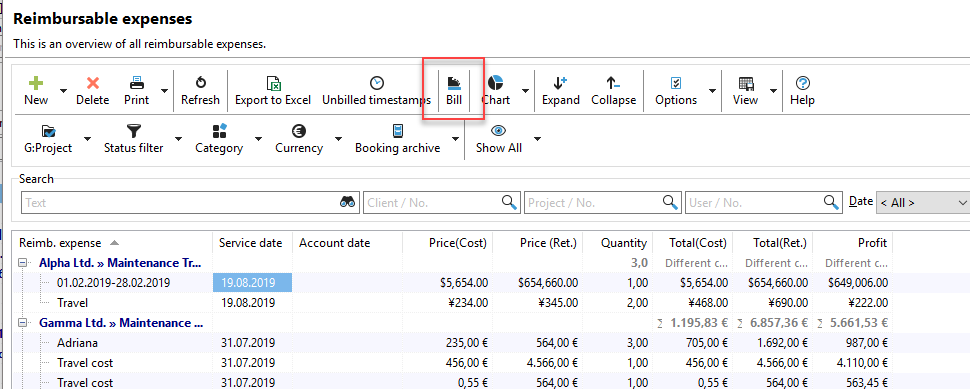
If you want to bill the reimbursables, you can do so by clicking on the "Bill" button. Please note that this menu item is only available if you have purchased the additional "Invoicing" module.
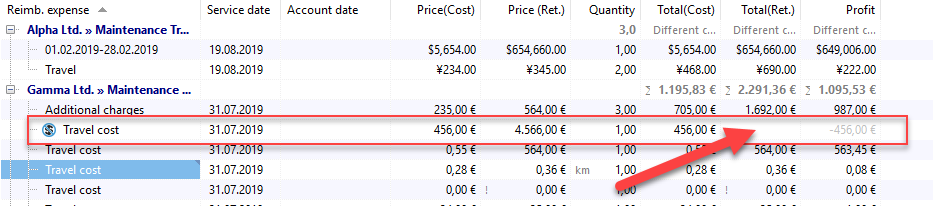
The "Open reimbursables" dialog box opens. Here you can decide again which items you want to include on your invoice. Items marked with a crossed-out dollar sign have no sales price or are marked as "not to be billed" and are therefore not included on the invoice.
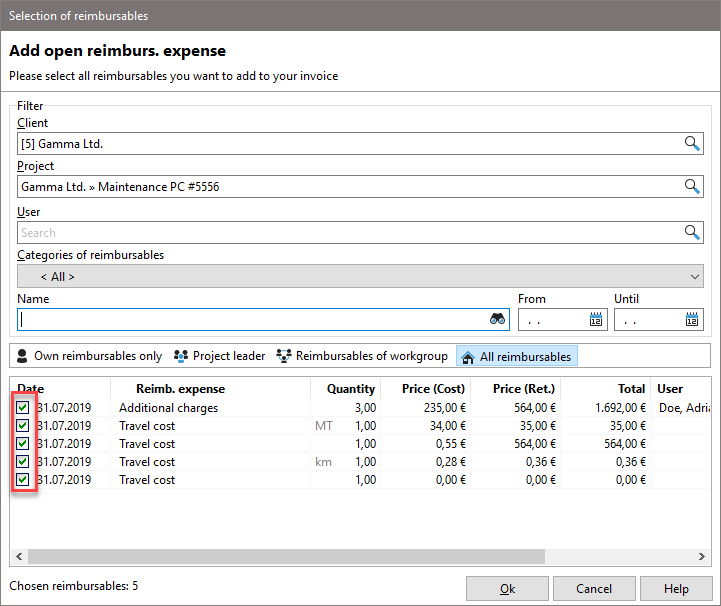
All reimbursables that are checked will be transferred to an invoice in the next step. For details on invoicing, please refer to the chapter: Invoice management
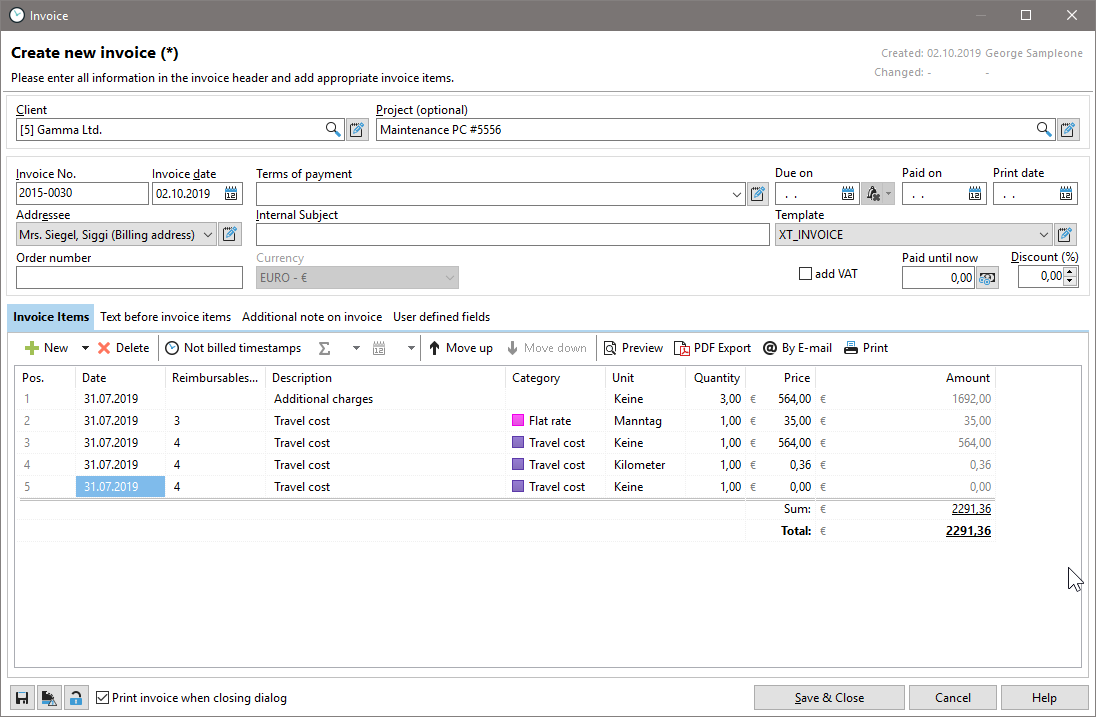
After you click OK, the invoice dialog box opens: