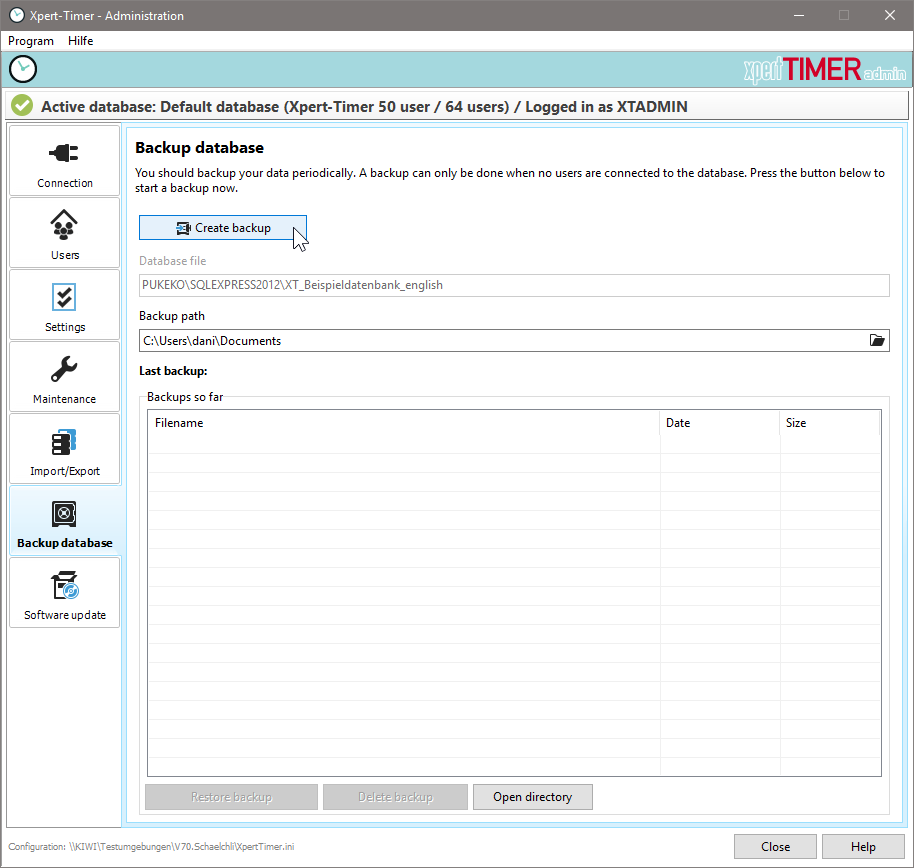
For security reasons, you should create data backups of your database at regular intervals. Under the data backup directory, you can specify the path where you want to save your database.
By default, Xpert-Timer automatically creates daily backups of your database as long as you do not change this setting in the configuration.
|
Automatic data backups are only created for single-user versions when using an SQLite or Access database. In a client/server application, the administrator must take care of backing up the database. The SQLite and Access databases can be backed up automatically via XTAdmin. |

To restore the data backup in the event of a problem, copy the database file "xt_date+time.mdb" with the latest date back to your database directory and rename it "xt.mdb".
In the single-user version, the database is stored by default in the folder "My Documents" -> "BackupXpertTimer".