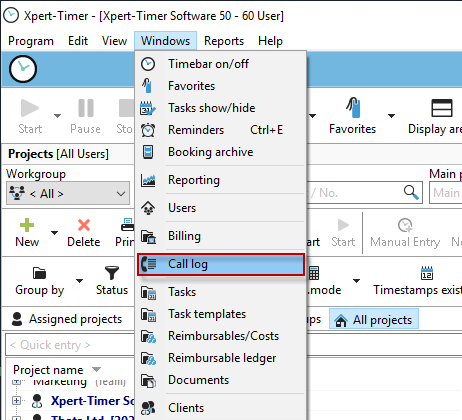
You can access the call log via the "Window" menu item in your project manager:
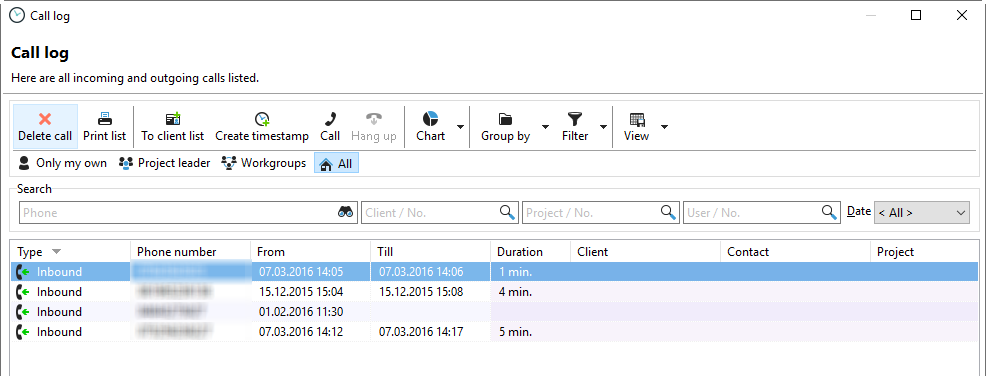
The call list contains all incoming and outgoing phone calls.
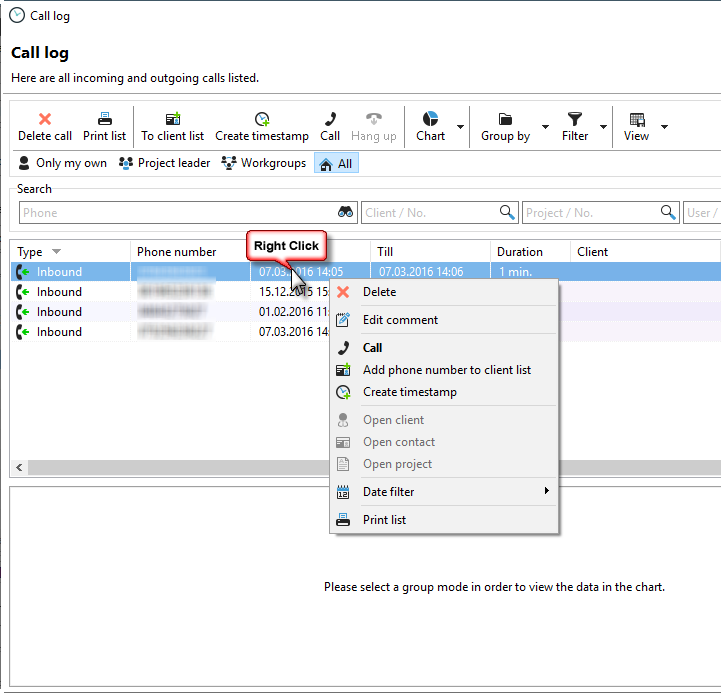
Right-click on a call to create a new timestamp if this has not been done automatically.
Grouping and filtering options:

You can group your phone calls by:
- Type (incoming/outgoing)
- Customer
- Contact
- Project
or - Employee.
The display filter only distinguishes between incoming and outgoing calls.
You can use the date filter to display only calls from a specific period.
You can save the filters and groupings you have set as a setting via the View menu item.
Searching your call list:

Various search fields are available for your entries in the call list.